Help & Support
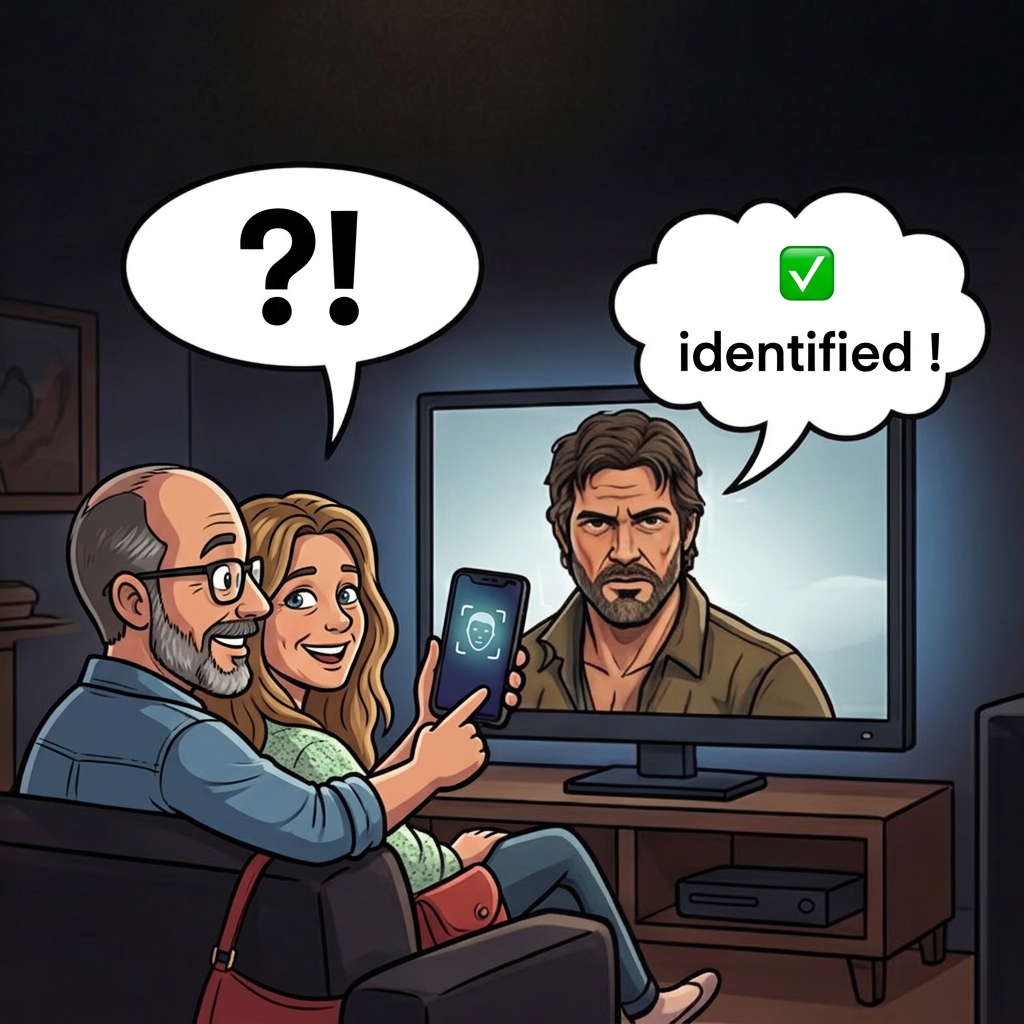
ActorSnap identifies actors from a photo or a live camera feed. Point your camera at a face on screen or in real life, and the app tells you who they are — along with their biography, filmography, and more.
Getting the Best Results
Use the zoom slider
A slider at the bottom of the camera lets you zoom from 1x to 5x. Use it to isolate one face in the frame. The app works best when a single face fills most of the screen. Pinch-to-zoom also works.
If multiple faces are detected, the app will ask you to zoom in. The capture button stays disabled until only one face is visible.
Check the quality indicator
A colored bounding box appears around the detected face. The color tells you how good the capture will be:
- Green — Good quality. Go ahead and capture.
- Yellow — Acceptable, but results may be less accurate. Try to improve conditions.
- Red — Quality too low. The capture button is disabled.
A percentage score is also displayed near the face. Higher is better.
Tips for a clear capture
- Lighting — Good lighting makes the biggest difference. Avoid backlit or very dark scenes.
- Angle — A frontal view works best. The app may reject faces that are turned too far sideways (beyond ~55°) or tilted.
- Sharpness — Make sure the face is in focus. A blurry image reduces recognition accuracy.
- Distance — Get close enough for the face to fill the frame, or use the zoom slider.
- Screen captures — ActorSnap works on TV screens, monitors, and printed photos too. Avoid glare and reflections.
Understanding Results
Confidence levels
After recognition, a confidence badge tells you how reliable the match is:
- High confidence — The app is fairly certain about the identification.
- Medium confidence — The match may not be correct. Double-check the result.
- Low confidence — Likely incorrect. Consider using the Google Lens fallback.
Actor details
When a match is found, the app displays the actor's name, biography, filmography, and links to external databases (TMDb, IMDb, Wikipedia). You can share the result with the built-in share button.
History
All your identifications are saved locally in the History tab (up to 100 entries). Tap any entry to see the full details again. Swipe left to delete individual entries.
Google Lens Fallback
If ActorSnap cannot identify the actor — or if the server is temporarily unavailable — an "Open Google Lens" button appears. Tapping it opens a reverse image search in your browser, giving you a second chance at identification.
This happens automatically when:
- No match is found in our database
- The image quality is too low for reliable recognition
- The service is temporarily unavailable (maintenance, updates)
Troubleshooting
The capture button is grayed out
The button activates only when exactly one face is detected with sufficient quality. Try zooming in, improving lighting, or adjusting the angle.
"No face detected"
The app cannot see a face in the frame. Make sure the face is clearly visible, well-lit, and not obstructed.
"Service temporarily unavailable"
The recognition server may be restarting or updating. This usually resolves within a minute. In the meantime, use the Google Lens fallback.
Wrong identification
This can happen with low-confidence matches, poor lighting, or side angles. Try again with a better capture — frontal, well-lit, and zoomed in. Our database is updated daily with new actors.
Privacy
ActorSnap does not store your photos. Images are processed in memory and immediately discarded. No account, no tracking, no ads. For full details, see our Privacy Policy.
Contact
If you need further help or want to report an issue, please contact us at:
[email protected]